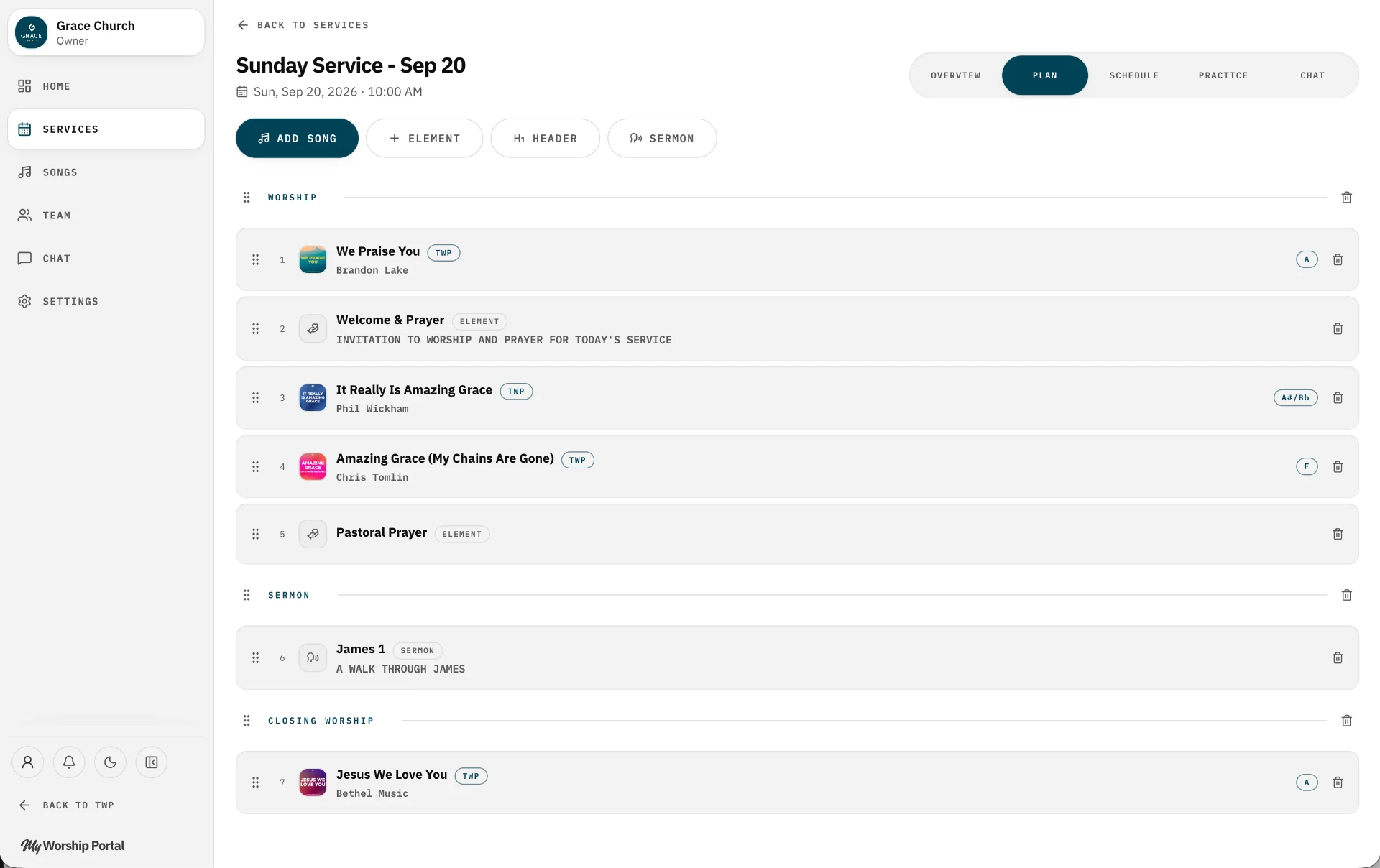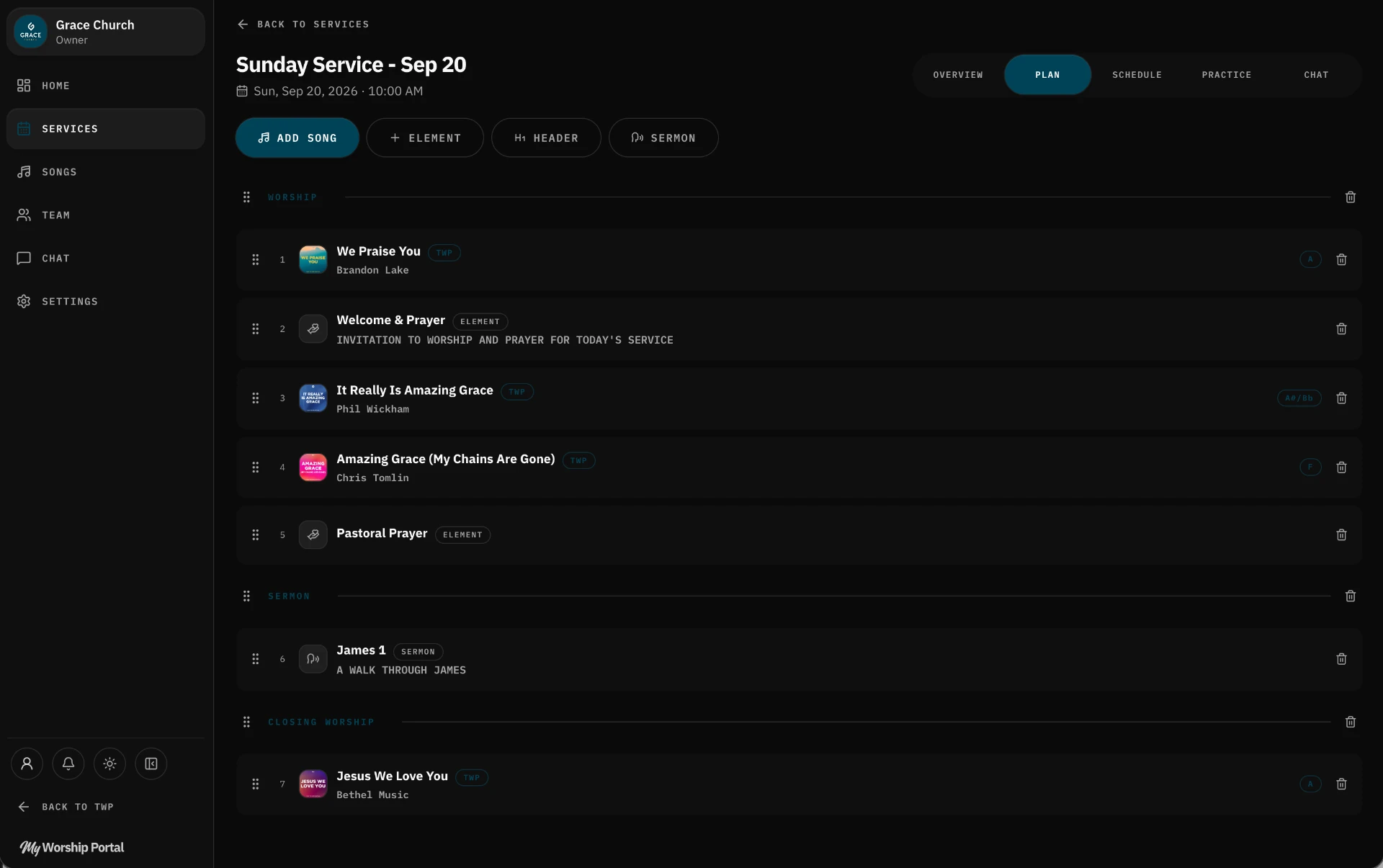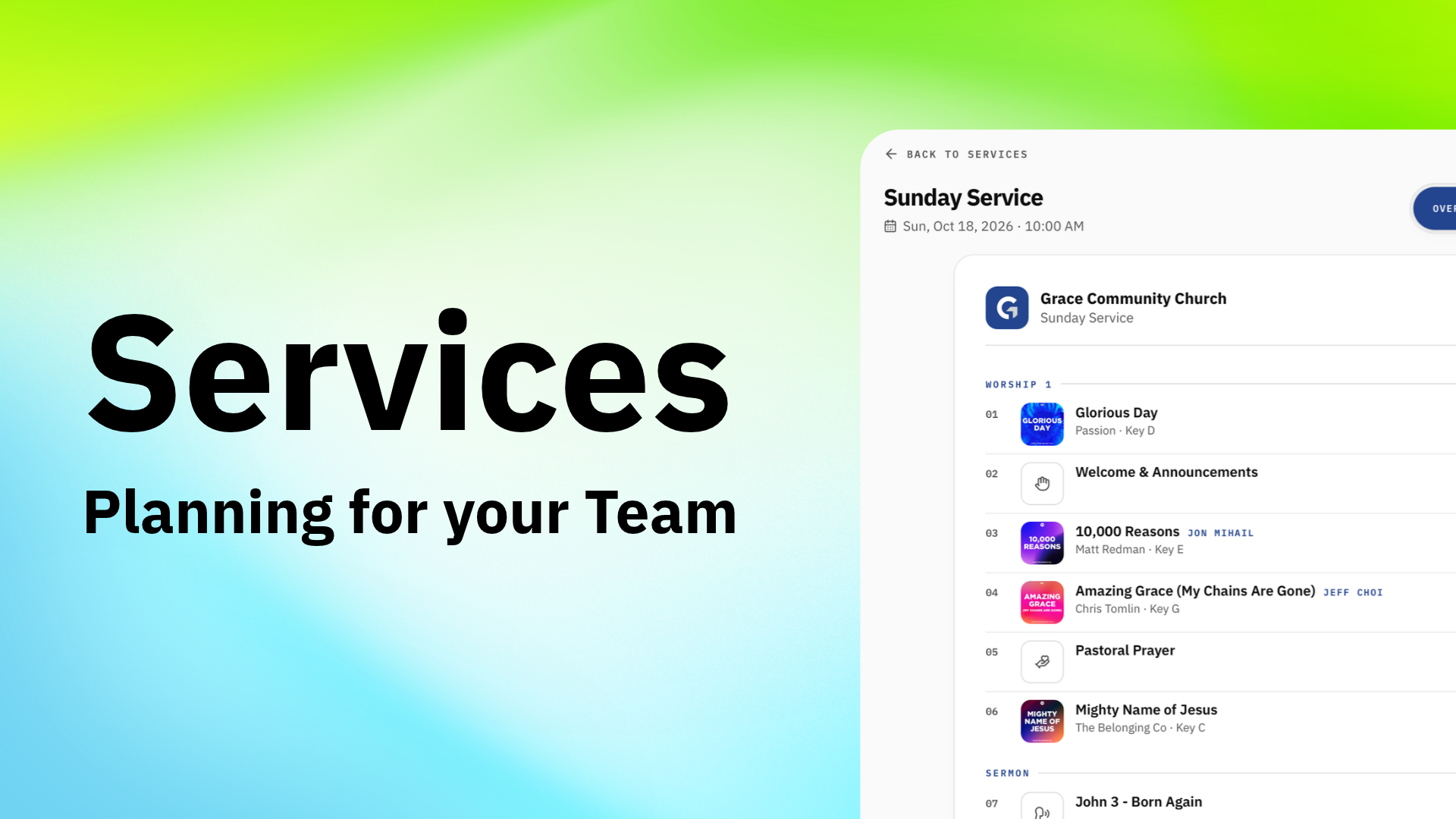
Planning worship involves a lot of moving pieces. There are songs to prepare, musicians to schedule, assignments to confirm, and services to organize.
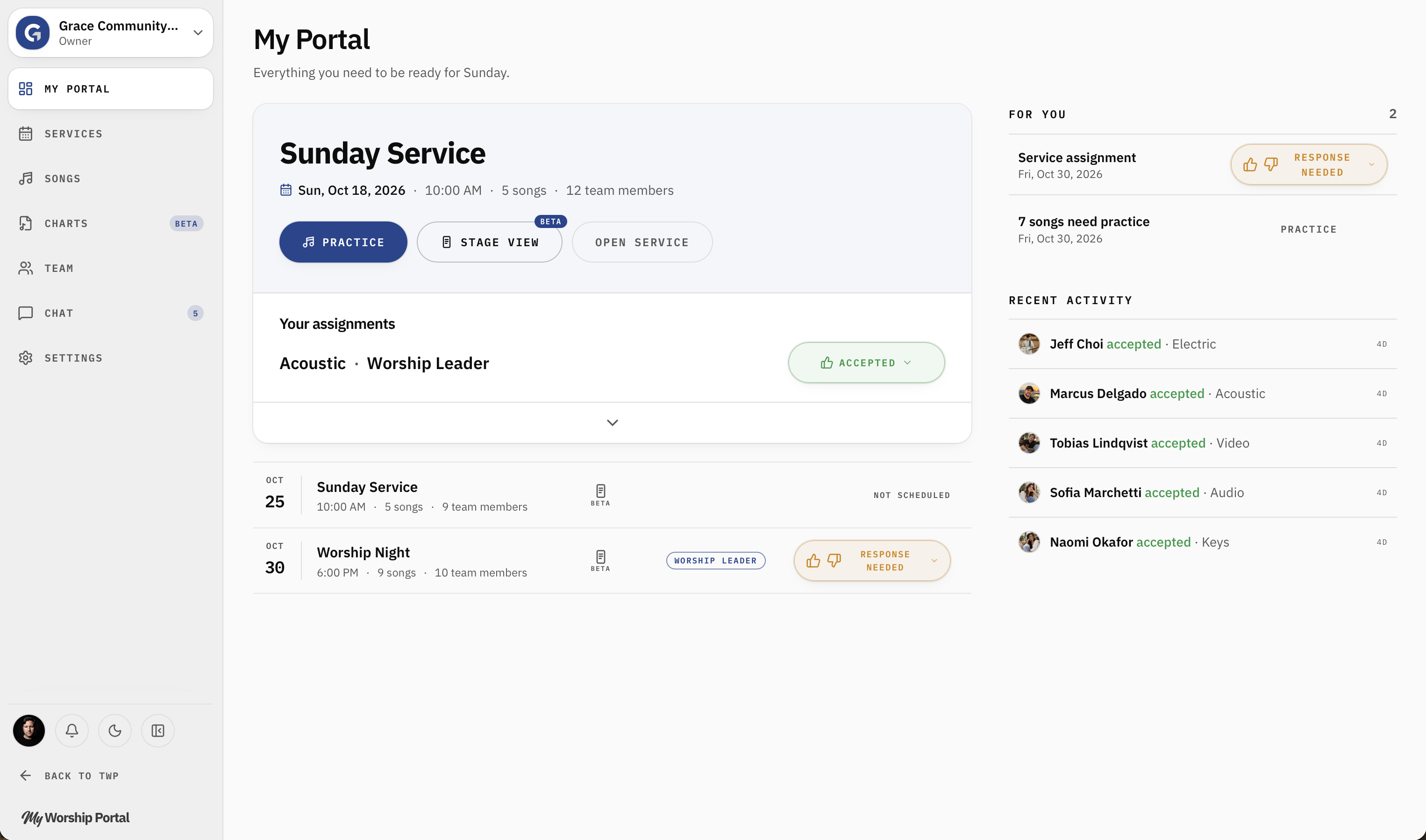
My Portal is your home base in My Worship Portal. It brings the most important information together so you can quickly see what's coming up, what needs attention, and what your team should be working on.
Whether you're leading a worship team or serving as a volunteer, My Portal helps you stay focused on what matters.
Your Worship Planning Dashboard
When you open My Worship Portal, My Portal gives you an overview of your church's upcoming services and activity.
Rather than navigating through multiple pages to figure out what's happening, you can see the most important details immediately.
Your Next Service
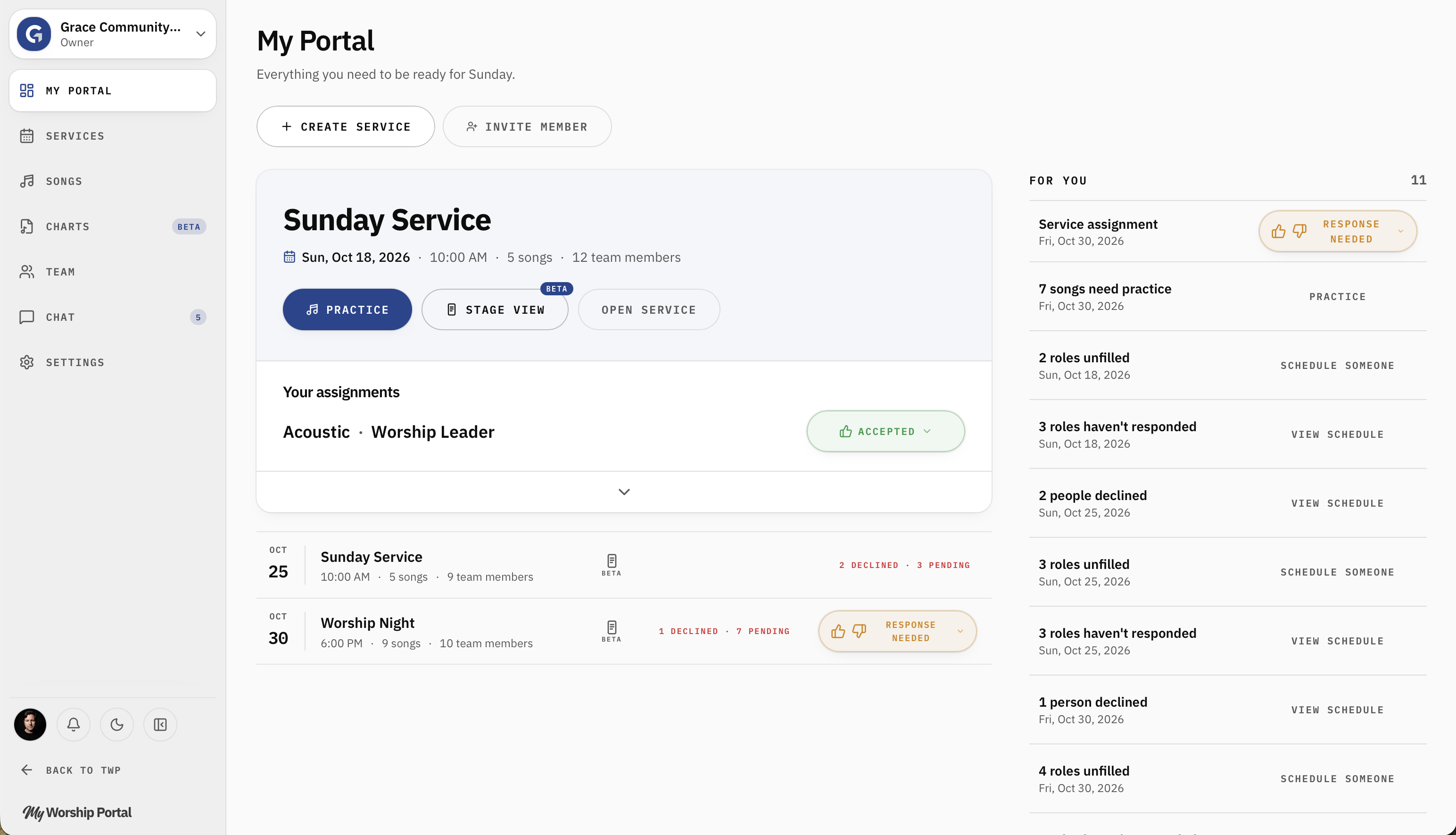
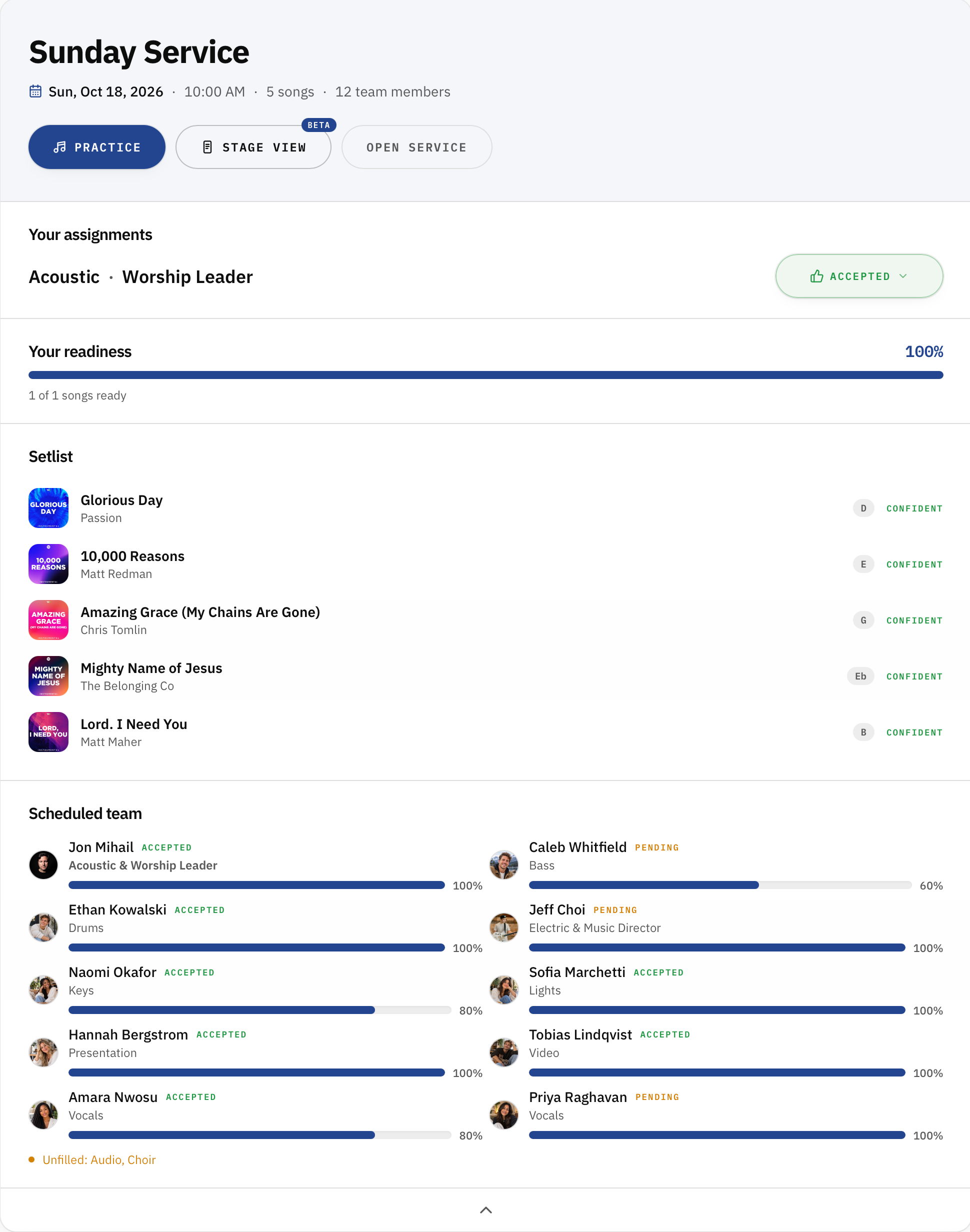
The main area of My Portal highlights your upcoming service with an arrow to open the full panel.
At a glance, you can see:
Practice — Open the practice experience to prepare your songs.
Stage View — Access the stage-focused service view.
Open Service — View the full service plan, including the setlist and other service details.
Setlist — View the full setlist, including how confident you are on each song.
Scheduled Team — See who is serving in what role at a glance, along with how confident they are with the songs.
You can also jump directly into the tools you need just by clicking on them. This keeps your next service easy to find without searching through your calendar.
Upcoming Services
Below your featured service, you'll find additional upcoming services.
Each service displays essential information, including its date, time, number of songs, and team members.
Depending on your role and assignments, you may also see scheduling information or an action to respond to an invitation.
It's a simple way to stay aware of upcoming Sundays and special services.

For You
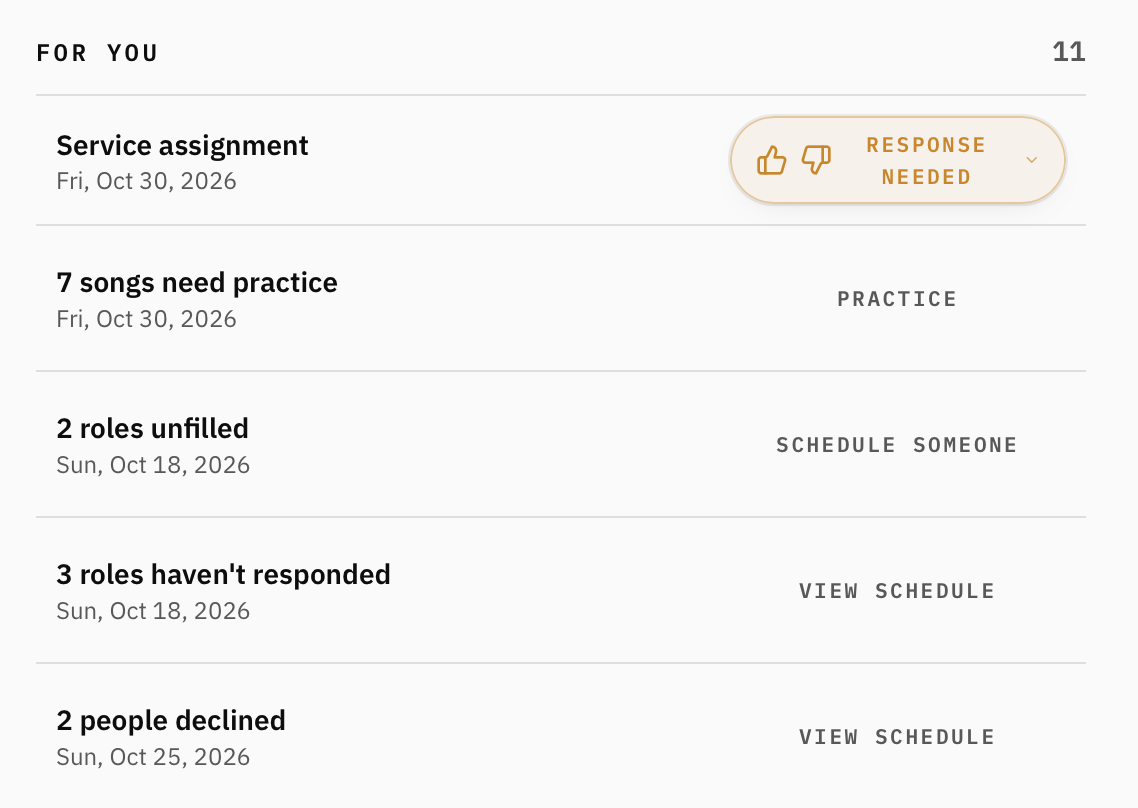
One of the most useful parts of My Portal is the For You section.
This area highlights things that need attention, helping you prioritize what to do next.
For worship leaders and administrators, that might include:
Unfilled roles: Positions that still need someone scheduled.
Pending responses: Team members who haven't responded to their assignments.
Declined assignments: Scheduling changes that may require follow-up.
Practice needs: Songs that still need preparation.
Team readiness: Members who haven't indicated they're ready.
Each item includes a relevant action so you can jump to the right place and address it.
Instead of opening every service individually to check for problems, you can quickly identify what needs attention from your dashboard.
Respond to Your Own Assignments
If you've been scheduled for a service, My Portal also makes it easy to manage your own response.
You can see your assigned roles and whether you've accepted, declined, or still need to respond.
This applies to worship leaders, too. Even if you're managing the service, your own assignments remain visible.
Recent Activity
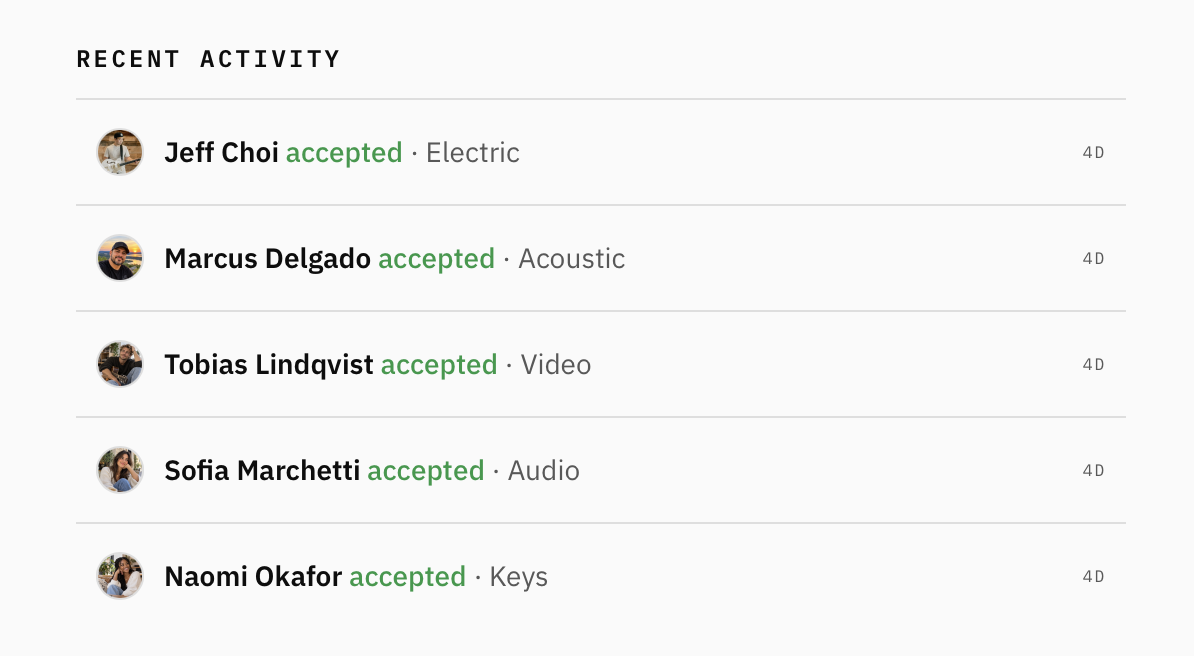
The Recent Activity section provides a quick look at team scheduling responses.
For example, you might see when a musician accepts an assignment, along with the role they're serving in.
This gives worship leaders useful visibility into how their team is responding without needing to check every service individually.
It's a small feature that helps everyone stay on the same page.
A Simpler Experience for Team Members
Not everyone in your church needs the same dashboard.
Worship leaders and administrators need visibility into scheduling, assignments, and overall preparation. Team members generally just need to know where they're serving and what they need to practice.
That's why My Portal tailors the experience to each user's role. Team members see only what's relevant to them, while administrative features like creating services, inviting members, and viewing other team members' confidence levels are reserved for church leaders and administrators.

About the author
Jon Mihail
Jon is the founder of The Worship Portal and has spent more than a decade serving in worship, creative arts, production, and church communications. He created The Worship Portal to help churches and worship teams simplify the way they prepare, practice, and lead worship through practical resources, tools, and technology.